Databases in Scout
Databases are groups of documents that can be used and created within Scout. Each document can contain metadata and text content. The text content is chunked and used for vector search. The metadata can be used to filter and sort the documents.
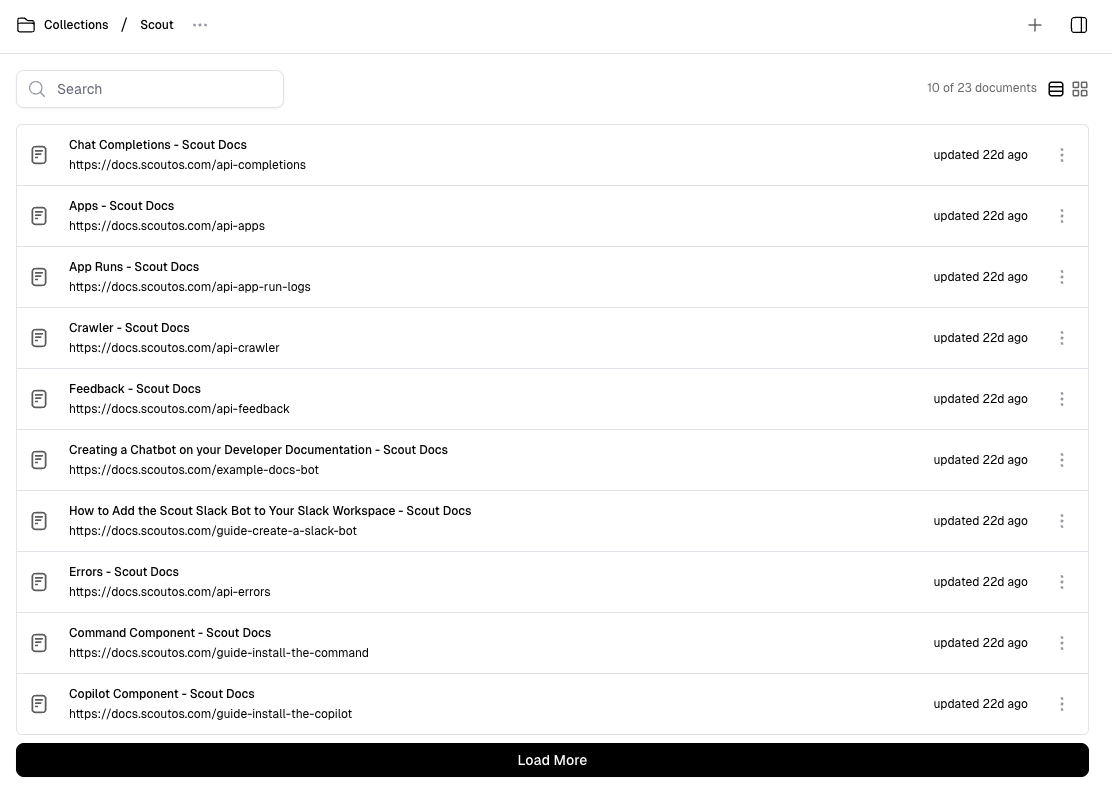
Create a New Database
Click “Databases” in the navigation menu, then click the ”+ New” button at the top of the UI to create a new database. Provide a name (required), a description (optional), and an icon image (optional), then click “Create”.
Note that it may take around 30 seconds for Scout to provision the underlying vector database; status will be displayed in the UI.
Using Databases in Workflows
Query blocks and Save blocks can be used within workflows to query and save to databases. Read Workflows > Query Block and Workflows > Save Block for more information on how to use them within workflows.

